
Restaurant Marketing Without Paid Ads: From Being Found to Menus, Reservations and Orders
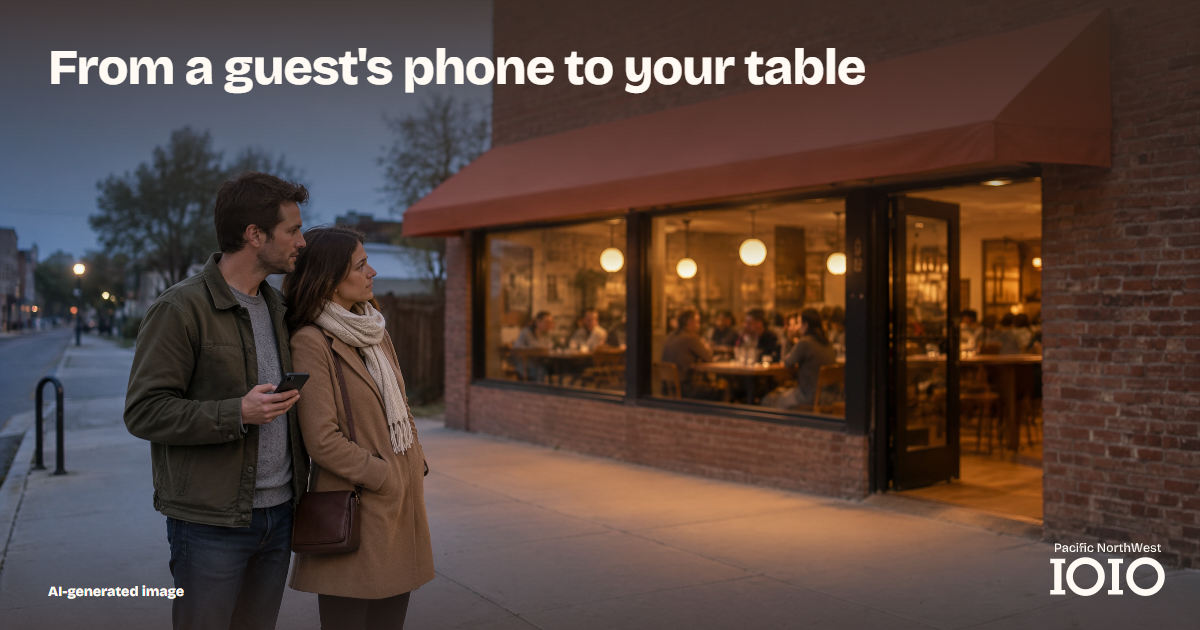
You do not need to spend on paid advertising to give a hungry guest a clear way to find you, read your menu and book a table. It does cost time, and sometimes help from a website person or a photographer, so do the work in the right order. This guide sets that order. Each step points to a shorter guide that does one job well.
Start with who you want at the table
Before you change anything, write one sentence: "We want [this kind of guest] to [do this]." It might be neighbors who order pickup on weeknights, or couples who book a table for a weekend dinner. Pick one or two.
That sentence becomes your filter. It tells you which link goes first on your Google profile, which dish leads a video and which hours matter most to update. It is not a ranking trick. It stops you from spreading effort across everything at once.
Make the phone path work
A guest standing on the sidewalk is looking at a phone, so begin there. Walk the route yourself, from your Google profile, your social bio and your website to the menu, then to the booking or ordering page. A lovely photo that ends at an old menu link sends the guest nowhere.
Our guide to the mobile menu-to-booking journey shows how to run that walkthrough and what to fix.
Keep exceptions accurate
Regular hours are easy to get right once. Holidays, early closes and special events are where the places that show your hours start to disagree. Hours are the first thing a guest checks, so a mismatch is the easiest mistake to spot.
Decide the plan, write it as one sentence, then publish the same sentence everywhere. The holiday hours update workflow gives you a timeline for doing that across Google, your website and social profiles.
Build a posting routine you can keep
Short videos and photos give guests a reason to look at your menu. The trap is starting with daily posting and stopping within a month. One planned shoot, divided into a few posts, is easier to sustain.
One shoot, a week of short videos and website assets lays out what to film, how to name the files and where each clip should lead. Every clip should point to the same working menu or booking page you checked in the step above.
Let search tools read what you have published
Once your menu, hours and links are right, make sure Google and ChatGPT's search reader can read them. No setting and no payment guarantees a recommendation, but a page they cannot read cannot help you. Helping diners find your restaurant through ChatGPT search covers menu text, your Google profile, photos, reviews and website access.
If you would rather hand this part to a team, our AI search service covers it.
Keep a simple record
Even with no advertising spend, the time you put in deserves a paper trail. Each time you change something, note the date, what you changed and how you checked it on your phone. Once a week, add what you noticed, such as visits to your website or a new message from a guest. An example log looks like this.
| Date | What changed | How you checked | What you noticed |
|---|---|---|---|
| Nov 4 | Menu link on Google profile | Opened it on my phone | Reaches the current menu |
| Nov 7 | Holiday notice on website | Read it as a guest | Matches the Google profile |
| Nov 11 | Posted kitchen clip | Followed its link | Goes to the booking page |
The record shows what you did and what you saw. It does not prove that one change caused one result, and you should not treat it that way. What it does give you is a clear history, so that when a guest does get in touch, you know what was live at the time.
A guest who contacts you through your website is the kind of result worth counting. Count it separately from your other numbers, and write down where they said they found you.
Where to start this week
Pick the one step in this guide where your restaurant is weakest, and do only that. If you are not sure which one, start with the phone walkthrough. It needs nothing but your phone, and it shows you quickly where the other problems are.
Get your free digital audit Specialized digital marketing agency targeting local SMEs in the PNW region (WA/OR).